
Advertisement
Practice your drawing skills anywhere
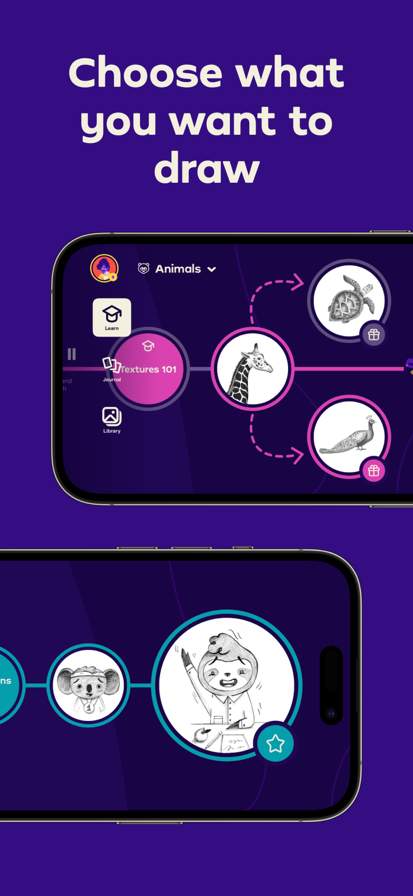
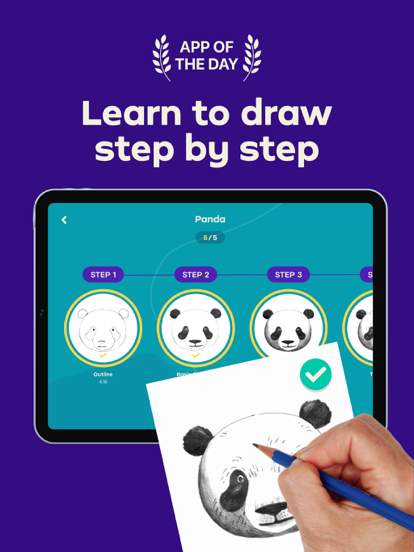
Step-by-step tutorials for beginners
Unleash your creativity with ease
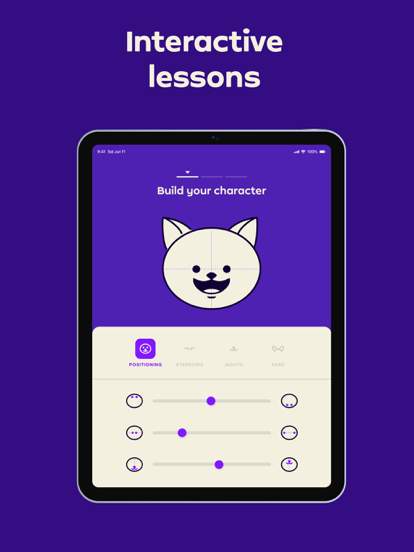
Simply Draw: Learn to Draw is an educational app designed to help users of all levels improve their drawing skills through step-by-step tutorials and exercises. Whether you're a beginner or an experienced artist, this app offers a fun and interactive way to enhance your artistic abilities.
Advertisement

All link sources on this site are jumped to App Store, Google Play and other official platforms. No virus, no malware.
Select a versionSimply Draw: Learn to Draw is a user-friendly and interactive app designed to help users of all ages and skill levels improve their drawing abilities. Whether you are a complete beginner looking to learn the basics of drawing or a more experienced artist seeking to further develop your skills, Simply Draw has something to offer for everyone.
With a wide range of drawing tutorials and lessons available, Simply Draw provides step-by-step instructions on how to draw various subjects, from simple shapes and objects to more complex compositions. The app covers a variety of drawing techniques, including shading, perspective, proportions, and more, to help users understand the fundamentals of drawing.
One of the key features of Simply Draw is its interactive nature, allowing users to practice drawing directly on their devices. The app provides a variety of drawing tools, such as pencils, brushes, erasers, and colors, to simulate a realistic drawing experience. Users can easily adjust the size and opacity of the tools to suit their preferences, making it easy to create detailed and expressive drawings.
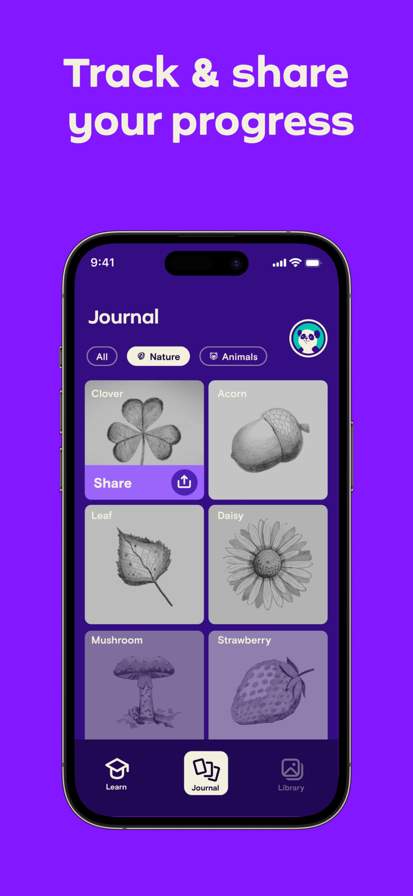
Simply Draw also offers a wide selection of drawing exercises and challenges to help users practice and improve their skills. These exercises range from basic warm-up activities to more advanced drawing prompts, providing a fun and engaging way to hone your drawing abilities. Additionally, the app includes a feature that allows users to track their progress and see how their skills have improved over time.
For those who prefer to learn at their own pace, Simply Draw offers a library of drawing tutorials and lessons that users can access anytime, anywhere. Whether you have a few minutes to spare or want to dedicate a longer period to drawing practice, the app allows you to learn and improve at your convenience.
Whether you are interested in drawing for personal enjoyment, as a hobby, or even as a potential career path, Simply Draw: Learn to Draw provides the tools and resources you need to enhance your drawing skills. With its intuitive interface, engaging lessons, and interactive features, the app offers a fun and accessible way to learn how to draw.
Overall, Simply Draw: Learn to Draw is a comprehensive and user-friendly app that caters to artists of all levels, offering a wide range of tutorials, exercises, and features to help you master the art of drawing. Start your drawing journey today with Simply Draw and unlock your creative potential!
Ensure your device is compatible with Simply Draw.
Available on both iOS and Android.
Compatible with iOS devices running iOS 10.0 or newer, and Android devices running Android 5.0 or newer.
Performance may vary depending on device specifications.
Camera
Storage
Simply Draw requires access to your camera for live drawing tutorials and access to your storage to save your drawings.
Added new drawing tutorials for beginners.
Improved app performance for smoother drawing experience.
Fixed bugs reported by users.
A: By following the step-by-step drawing tutorials provided in the app.
A: Yes, the app offers drawing tutorials for all skill levels.
A: Yes, you can track your drawing progress and improvement within the app.
A: Yes, the app is designed to help beginners learn to draw with easy tutorials.
A: Yes, the app offers feedback on your drawings to help you improve.