Advertisement
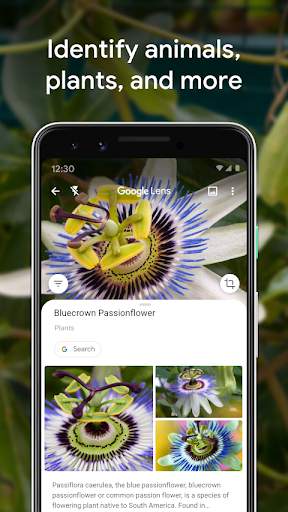
Quickly identify objects and landmarks
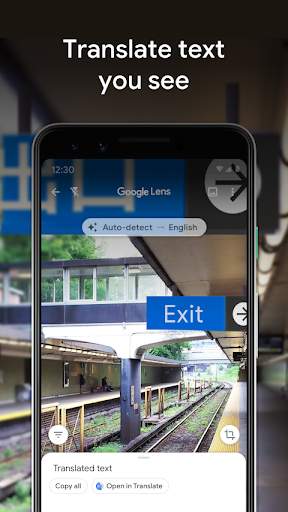
Translate text in real time
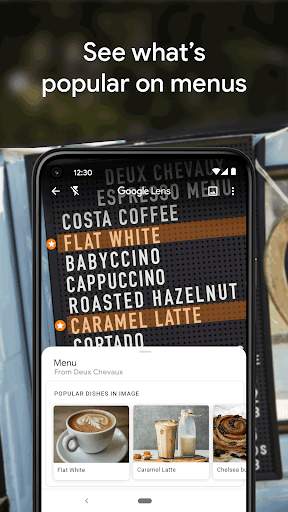
Get information on products and animals with just a scan
Google Lens is a powerful visual search tool that allows users to search, analyze, and interact with the world around them using their smartphone camera. It can recognize objects, text, and landmarks, providing relevant information and actions based on what it sees.
Advertisement
All link sources on this site are jumped to App Store, Google Play and other official platforms. No virus, no malware.
Select a versionGoogle Lens is a powerful visual search tool developed by Google that allows users to explore the world around them through the lens of their smartphone camera. By simply pointing the camera at objects, text, or landmarks, Google Lens provides instant information and relevant search results, making it easy to learn more about the things you see in your daily life.
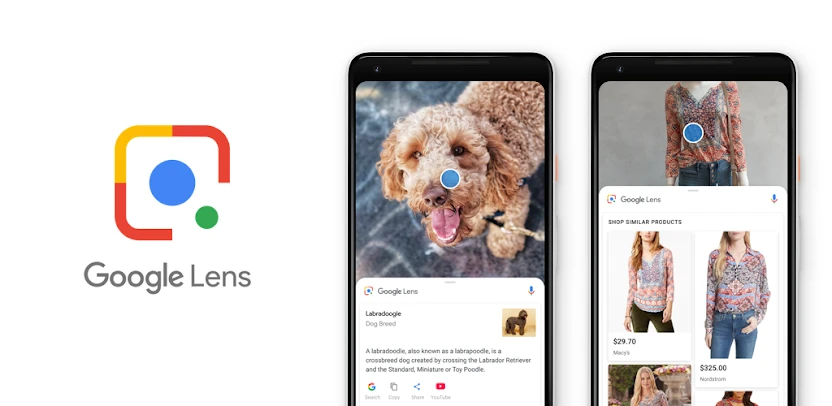
One of the key features of Google Lens is its ability to recognize objects in real-time and provide detailed information about them. For example, users can point their camera at a plant or animal to identify its species, or at a famous landmark to learn more about its history and significance. This feature is especially handy for travelers, students, or anyone curious about the world around them.
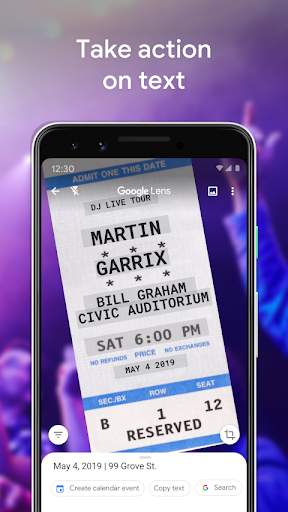
Google Lens also offers text recognition capabilities, allowing users to easily copy and paste text from the physical world into their digital devices. Whether it's a phone number, a recipe, or a paragraph of text, Google Lens can quickly extract the information and make it accessible for further use. This feature is particularly useful for translating foreign languages, saving contact information, or digitizing printed documents.
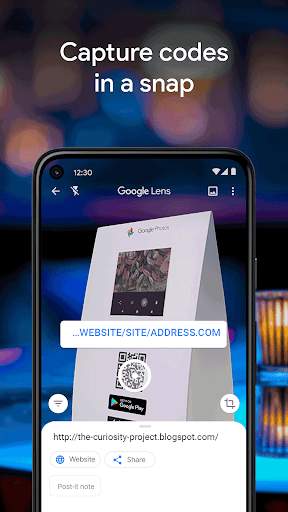
In addition to visual search and text recognition, Google Lens offers a range of other helpful features. Users can scan barcodes and QR codes to quickly access product information or websites, identify plants and animals, or even solve math problems by scanning equations. Google Lens can also help users shop for products by providing price comparisons and similar product recommendations based on the items they scan.
Furthermore, Google Lens seamlessly integrates with other Google services and apps, such as Google Photos and Google Assistant, to provide a unified and convenient user experience. Users can easily access Google Lens from their camera app or through the Google app, making it accessible whenever they need to search, learn, or explore the world around them.
Overall, Google Lens is a versatile and innovative tool that leverages the power of visual search and artificial intelligence to enhance the way we interact with our surroundings. Whether you're a student, a traveler, a foodie, or just curious about the world, Google Lens offers a wealth of information and possibilities at your fingertips. With its intuitive interface and robust features, Google Lens is a must-have tool for anyone looking to discover, learn, and explore in the digital age.
Google Lens is compatible with most devices, but there may be variations in performance.
Google Lens is available for both Android and iOS platforms.
Some features may not be available on older devices or certain versions of operating systems.
Performance may vary based on device capabilities and internet connection speed.
Google Lens requires permissions to access camera, photos, and location for full functionality.
Google Lens needs access to your device's camera to scan objects and text.
Access to photos is necessary for detecting and identifying objects in your gallery.
Location permissions are needed for location-based search and AR features.
Recent updates have improved object recognition accuracy and added new language support.
Updates have enhanced Google Lens' ability to accurately identify objects and provide relevant information.
New languages have been added, allowing for text translation and search in additional languages.
A: Google Lens is an image recognition technology developed by Google that allows users to search for information and interact with their surroundings using their phone's camera.
A: Google Lens uses computer vision technology to analyze and understand visual information captured by the camera on your device.
A: Yes, Google Lens can identify objects, landmarks, plants, and animals by analyzing images captured by your device's camera.
A: Some features of Google Lens require an internet connection, but offline capabilities are available for certain functions such as translating text and scanning QR codes.
A: Google Lens is available on Android devices through the Google Photos app and on iOS devices through the Google app.