
Advertisement
Seamless connection between Samsung devices
Enhanced functionality for Samsung accessories
Optimized performance for Samsung wearables
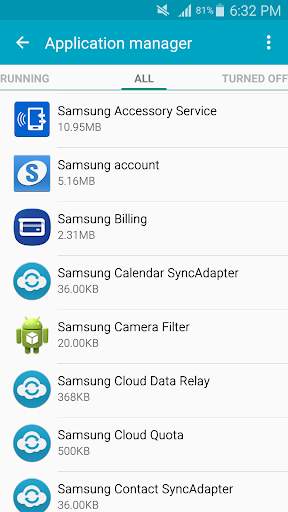
Samsung Accessory Service is a utility app designed to enhance the functionality and compatibility of Samsung accessories with your device. Keep your Samsung accessories up to date and running smoothly with this essential service.
Advertisement
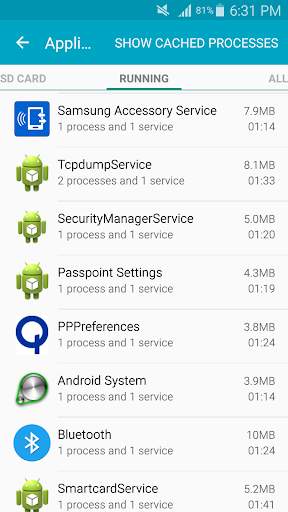
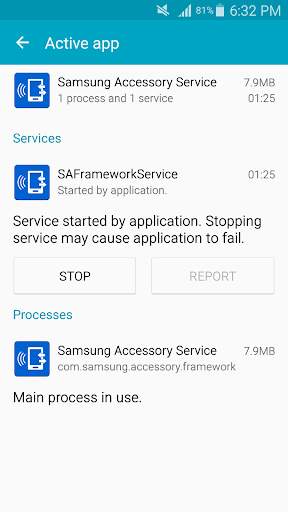
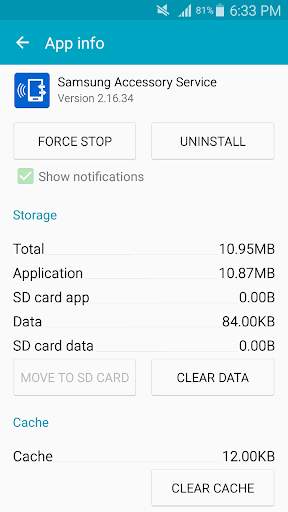
All link sources on this site are jumped to App Store, Google Play and other official platforms. No virus, no malware.
Select a versionSamsung Accessory Service is a versatile application designed to enhance the functionality and user experience of Samsung accessories. This app serves as a central hub for managing and customizing various accessories such as Samsung Galaxy Buds, Galaxy Watch, and Galaxy Fit. With Samsung Accessory Service, users can conveniently pair, update, and troubleshoot their Samsung accessories with ease.
One of the key features of Samsung Accessory Service is its seamless pairing process. Users can effortlessly connect their Samsung accessories to their mobile devices through the app, enabling them to enjoy a seamless and integrated user experience. Whether it's setting up a new pair of Galaxy Buds or syncing a Galaxy Watch for the first time, Samsung Accessory Service simplifies the pairing process, making it quick and hassle-free.
In addition to pairing, Samsung Accessory Service offers users the ability to update their accessories' firmware directly from the app. This ensures that users always have the latest software and features available for their Samsung accessories, improving performance and enhancing functionality. By keeping accessories up to date, users can enjoy a more reliable and optimized user experience.
Samsung Accessory Service also provides users with troubleshooting and support features to help resolve any issues they may encounter with their accessories. Whether it's connectivity problems, battery drain issues, or software glitches, the app offers resources and guides to help users troubleshoot and resolve common problems quickly and effectively. This ensures that users can make the most out of their Samsung accessories without any interruptions.
Furthermore, Samsung Accessory Service offers customization options for users to personalize their accessories to suit their preferences. From adjusting audio settings on Galaxy Buds to customizing watch faces on Galaxy Watch, users can tailor their accessories to reflect their unique style and needs. This level of customization enhances the overall user experience and allows users to make their Samsung accessories truly their own.
Overall, Samsung Accessory Service is a valuable tool for Samsung accessory users, offering a range of features and functionalities to enhance their experience. Whether it's pairing, updating, troubleshooting, or customizing accessories, this app provides users with the tools they need to make the most out of their Samsung accessories. With its user-friendly interface and comprehensive support, Samsung Accessory Service is a must-have companion for anyone using Samsung accessories.
Ensure your device is compatible with Samsung Accessory Service
Compatible with devices running Android 9.0 (Pie) or later
Compatibility may vary depending on device model and software version
Performance may fluctuate based on device capabilities and software optimizations
Understand the permissions required by Samsung Accessory Service
Requires access to Bluetooth for device connectivity and access to storage for saving settings
Stay informed about the latest updates and improvements
Recent updates have improved connectivity performance and added support for new Samsung accessory devices
A: The Samsung Accessory Service app is used to manage and update accessories for your Samsung device.
A: You can download the Samsung Accessory Service app from the Google Play Store on your Samsung device.
A: The Samsung Accessory Service app is compatible with most Samsung devices running Android OS 4.0 and above.
A: Yes, you can use the Samsung Accessory Service app to pair and manage Bluetooth accessories with your Samsung device.
A: Yes, the Samsung Accessory Service app is available for free download and use on Samsung devices.





