
Advertisement
Enhancing online security with two-factor authentication
Generating time-based one-time passwords
Protecting your accounts from unauthorized access
Google Authenticator is a popular two-factor authentication app that provides an extra layer of security for your online accounts. It generates time-based, one-time passcodes to verify your identity when logging in to various websites and services.
Advertisement


All link sources on this site are jumped to App Store, Google Play and other official platforms. No virus, no malware.
Select a versionIntroduction:
Google Authenticator is a popular app developed by Google that provides an added layer of security to your online accounts. It is a two-factor authentication app that helps to protect your accounts from unauthorized access by enabling a second form of verification in addition to your password.
Key Features:
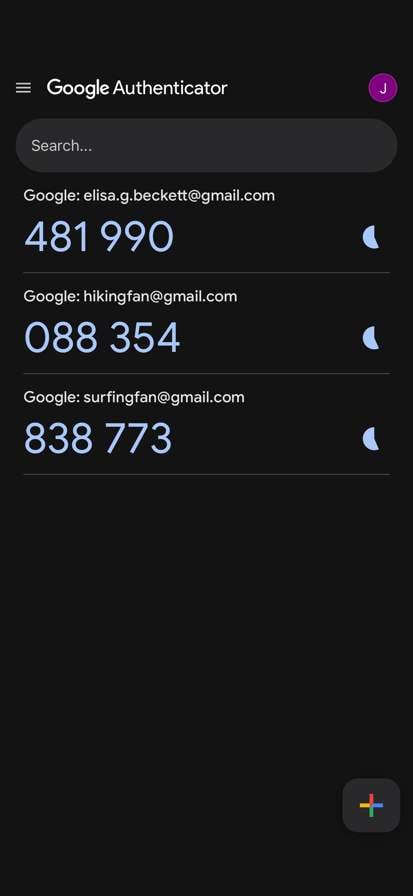
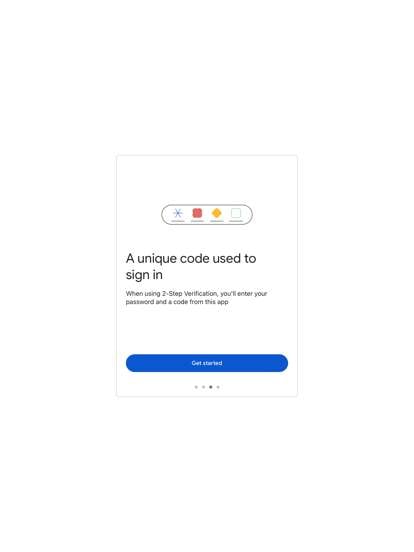
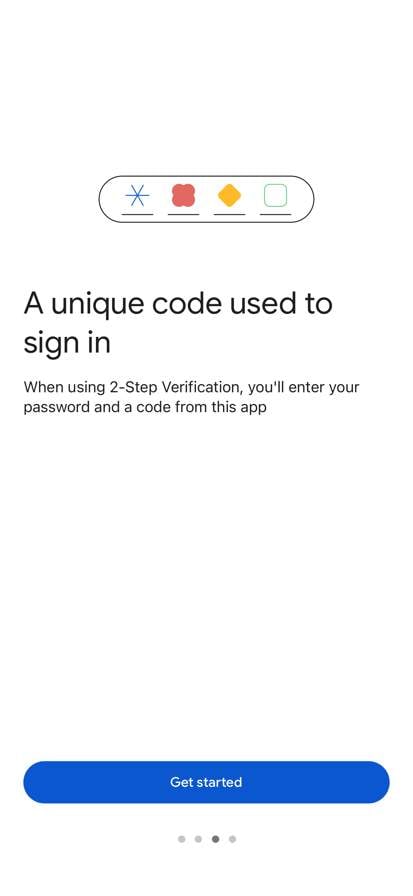
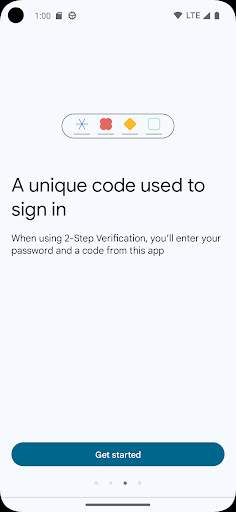
1. Two-Factor Authentication: Google Authenticator generates time-based one-time passwords (TOTPs) and provides a second layer of security for your accounts. This means that even if someone knows your password, they would still need the unique code generated by the app to access your account.
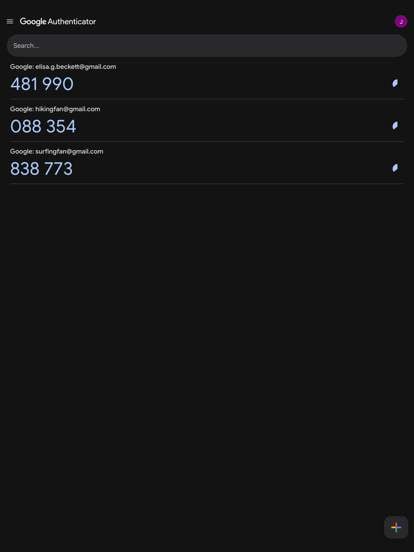
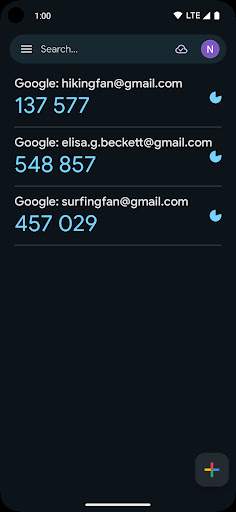
2. Multi-Account Support: You can add multiple accounts to Google Authenticator, including popular services like Google, Facebook, Twitter, Dropbox, and more. This allows you to secure all your important accounts with the app.
3. Offline Functionality: Google Authenticator works even when you don't have an internet connection, making it convenient to use in various situations.
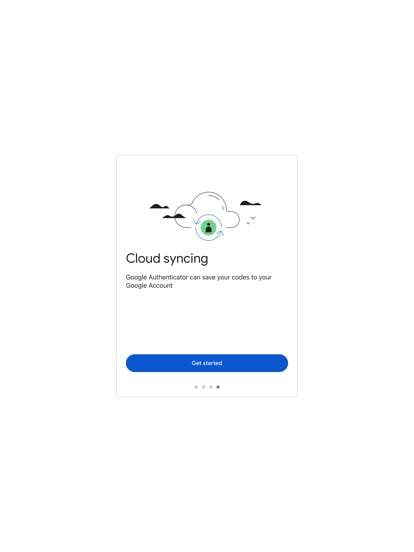
4. Automatic Backup and Sync: The app offers the option to back up your account tokens securely to the cloud, allowing you to easily restore them if you switch to a new device or need to reinstall the app.
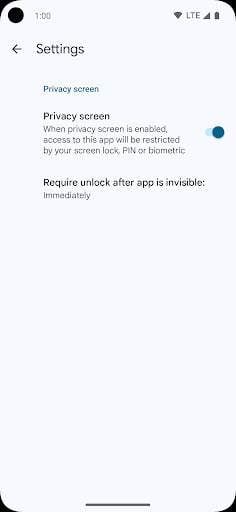
5. Biometric Support: For added convenience and security, Google Authenticator supports biometric authentication methods like fingerprint or face recognition on compatible devices.
6. Customizable Settings: You can customize the app's settings to adjust the time interval for token generation, enable dark mode, change the app's theme, and more to suit your preferences.
How to Use Google Authenticator:
1. Download and install the Google Authenticator app from the App Store or Google Play Store.
2. Open the app and tap on "Begin setup" to add a new account.
3. Choose to scan the QR code provided by the service you want to secure or manually enter the account details.
4. Once the account is added, the app will generate a six-digit verification code that refreshes every 30 seconds.
5. Use this code along with your password when logging in to the corresponding service to complete the two-factor authentication process.
Overall, Google Authenticator is a reliable and easy-to-use app that enhances the security of your online accounts. By implementing two-factor authentication, you can significantly reduce the risk of unauthorized access and protect your sensitive information. Whether you are a casual user or a security-conscious individual, Google Authenticator is a valuable tool for safeguarding your digital identity.
Google Authenticator is compatible with various platforms and devices, but users may encounter issues due to different versions and performance fluctuations.
Available on iOS and Android platforms.
Make sure to have the latest version of the app for optimal performance.
Performance may vary depending on the device and network connection.
Google Authenticator requires access to the camera to scan QR codes for setting up two-factor authentication.
This permission is necessary for the app to securely link your accounts.
The latest update includes bug fixes, improved security features, and a more user-friendly interface.
Users can now easily manage their two-factor authentication codes and settings.
A: Google Authenticator is a two-factor authentication app that provides an extra layer of security for your online accounts.
A: Google Authenticator generates a time-based, one-time passcode that you use in addition to your password when logging into your accounts.
A: Yes, Google Authenticator is a free app available for both iOS and Android devices.
A: Yes, you can use Google Authenticator to secure multiple online accounts by adding them to the app.
A: If you lose access to Google Authenticator, you can regain access to your accounts by using backup codes or contacting the respective service for assistance.