

Advertisement
Efficient virtual meetings with colleagues or clients
Seamless collaboration from any location
High-quality video conferencing for remote teams
Google Meet is a video conferencing platform developed by Google, designed for virtual meetings, webinars, and online collaboration. Stay connected with colleagues, friends, and family through high-quality video calls and screen sharing features.
Advertisement






All link sources on this site are jumped to App Store, Google Play and other official platforms. No virus, no malware.
Select a versionGoogle Meet is a secure and easy-to-use video conferencing platform developed by Google. Originally known as Google Hangouts Meet, it was rebranded as Google Meet in 2020 to better reflect its focus on video meetings. Google Meet is designed for businesses, schools, and individuals to connect remotely and collaborate effectively.
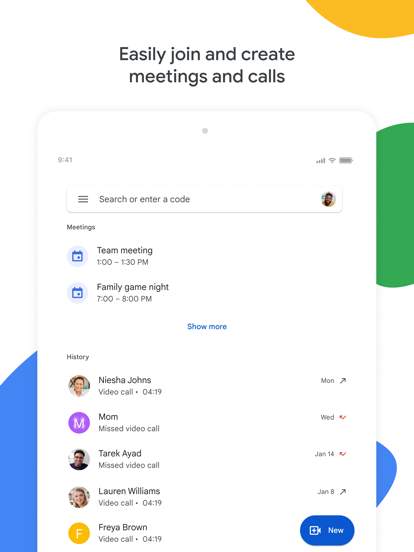
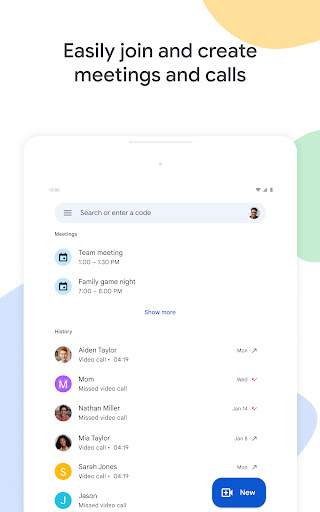
One of the key features of Google Meet is its simplicity and accessibility. Users can easily create or join video meetings directly from their web browser or through the mobile app, without the need for any additional software installation. This makes it convenient for users to quickly initiate or join meetings, whether they are working from home, in the office, or on the go.
Google Meet offers high-quality video and audio capabilities, ensuring clear communication and smooth collaboration during meetings. The platform supports HD video and noise cancellation technology, which helps to reduce background noise and enhance the overall meeting experience. Participants can also share their screen, making it easy to present slides, documents, or other content during a meeting.
Security and privacy are top priorities for Google Meet. The platform includes advanced security features such as encryption of data in transit and in storage, as well as the ability to lock meetings to prevent unauthorized access. With options to generate unique meeting codes and enable two-step verification, users can feel confident that their meetings are secure and protected from intruders.
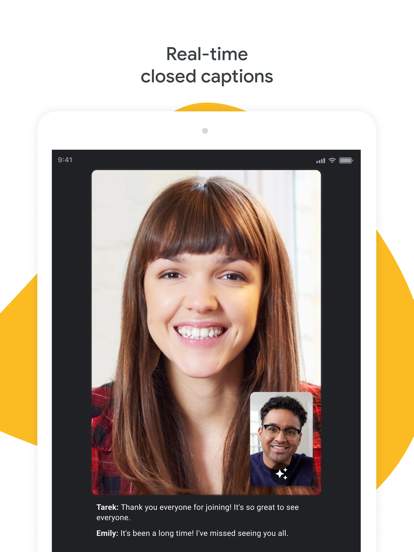
Google Meet is designed to accommodate meetings of all sizes, from one-on-one conversations to large virtual events. It supports up to 250 participants in a single meeting for G Suite Enterprise users, making it suitable for team meetings, webinars, training sessions, and more. The platform also offers features like live captions, hand raising, and breakout rooms to enhance collaboration and engagement during meetings.
Integration with other Google Workspace apps, such as Gmail, Calendar, and Drive, further enhances the productivity and convenience of Google Meet. Users can easily schedule meetings, send invitations, and access shared files directly from their Google Workspace account. This seamless integration streamlines the meeting workflow and makes it easy for users to stay organized and connected.
In conclusion, Google Meet is a reliable and feature-rich video conferencing platform that empowers users to connect, communicate, and collaborate from anywhere. With its user-friendly interface, high-quality audio and video capabilities, robust security measures, and integration with Google Workspace, Google Meet is a versatile solution for remote work, online learning, and virtual meetings. Whether you are a business professional, educator, or individual user, Google Meet provides the tools you need to stay connected and productive in today's digital world.
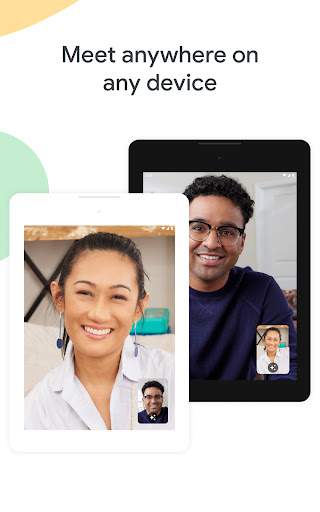
Google Meet is compatible with various platforms such as Windows, macOS, iOS, and Android. For optimal performance, ensure your device is running the latest version of the operating system. Due to the wide range of devices and versions, some features may vary or be limited. Performance may fluctuate based on internet connection and system resources.
Google Meet may require access to your camera, microphone, and internet connection. These permissions are necessary for video conferencing and audio capabilities within the app. Rest assured, Google Meet prioritizes user privacy and data security.
Recent updates to Google Meet include improved video quality, enhanced screen sharing features, and updated security measures to protect user information. Update your app regularly to access the latest improvements and features.
A: To join a meeting on Google Meet, simply click on the meeting link provided by the host.
A: Yes, you can schedule a meeting in advance on Google Meet and share the meeting link with participants.
A: Yes, Google Meet is free to use for individuals with a Google account.
A: Yes, you can record a meeting on Google Meet if you have the necessary permissions.
A: Google Meet allows up to 100 participants in a meeting for free accounts, and up to 250 participants for G Suite Business and Enterprise users.





