
Advertisement
Share your phone screen on the big TV
Watch videos and photos on a larger display
Present documents and slideshows with ease
USB Screen Share is a convenient app that allows you to easily mirror your phone's screen to your TV using a USB connection. Share photos, videos, and more with friends and family on the big screen with ease.
Advertisement
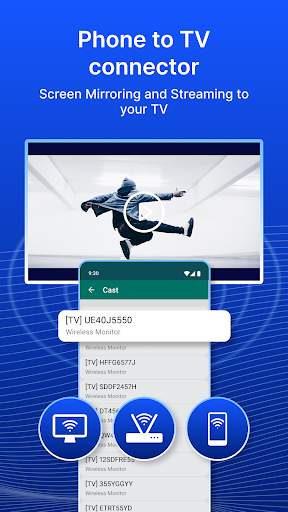
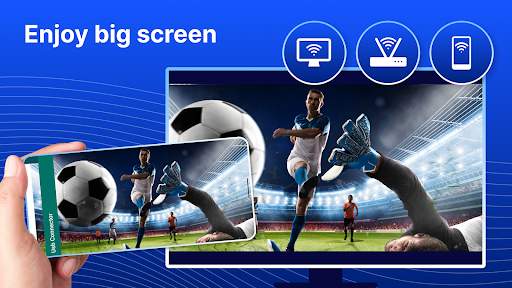
All link sources on this site are jumped to App Store, Google Play and other official platforms. No virus, no malware.
Select a versionIntroducing USB Screen Share - Phone to TV, a convenient and efficient app that allows you to easily connect your phone to your TV and mirror your phone screen for a better viewing experience.
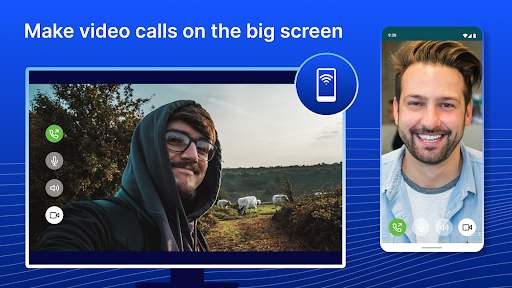
With the USB Screen Share app, you can seamlessly share your phone screen on a larger screen, such as a TV or monitor, using a USB cable. This feature is especially useful for sharing photos and videos with friends and family, playing mobile games on a bigger screen, giving presentations, or simply enjoying your favorite content on a larger display.
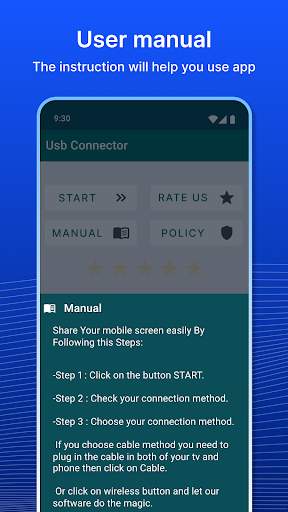
One of the key advantages of USB Screen Share is its simplicity and ease of use. All you need to do is connect your phone to your TV using a USB cable, launch the app, and start mirroring your phone screen in real-time. There is no need for a Wi-Fi connection or any additional settings, making the process quick and hassle-free.
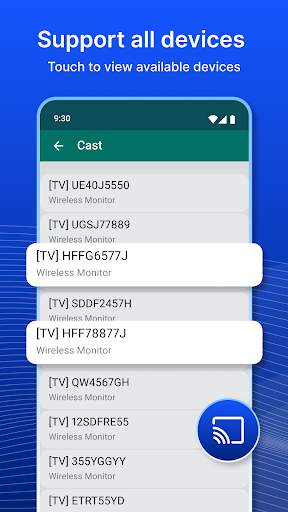
The app supports a wide range of devices, including Android smartphones and tablets, as well as TVs and monitors with USB connectivity. This means that you can easily connect your phone to most modern TVs and enjoy the benefits of a larger screen without the need for complex setup procedures or additional equipment.
USB Screen Share also offers a high-quality viewing experience, with support for HD resolution and smooth screen mirroring. Whether you are watching videos, playing games, or giving presentations, you can expect crisp visuals and seamless performance when using this app.
In addition to screen mirroring, USB Screen Share also allows you to transfer files between your phone and TV, making it easy to share photos, videos, music, and documents. This feature comes in handy when you want to quickly show or play media files stored on your phone on a bigger screen.
Overall, USB Screen Share - Phone to TV is a versatile and user-friendly app that enhances your viewing and sharing experience by enabling you to connect your phone to your TV with ease. Whether you are looking to enjoy multimedia content, play games, or give presentations, this app provides a simple and reliable solution for screen mirroring and file sharing.
Download USB Screen Share - Phone to TV now and take advantage of its features to enjoy a more immersive and convenient viewing experience on the big screen.
USB Screen Share is compatible with both Android and iOS devices. For Android, make sure your device is running Android 5.0 or higher, and for iOS, use iOS 11 or later. Due to the variety of device manufacturers and versions, there may be some uncertainty in compatibility. Additionally, performance may fluctuate depending on the quality of the USB cable and the TV display.
USB Screen Share requires permission to access your device's camera and microphone to enable screen sharing. These permissions are necessary for the app to function properly and provide a seamless sharing experience. Rest assured that your privacy and data security are our top priorities.
Our recent updates have focused on improving the overall performance and stability of the app. We have also added new features such as screen recording and customizable display settings. Stay tuned for more exciting updates in the future!
A: Simply connect your phone to your TV using a USB cable and launch the app to start screen sharing.
A: Yes, USB Screen Share allows you to mirror your phone's screen to your TV.
A: No, USB Screen Share works through a direct USB connection between your phone and TV.
A: USB Screen Share is compatible with most modern TVs that support screen mirroring.
A: Yes, you can stream videos from your phone to your TV using USB Screen Share.





