
Advertisement
Manage your network settings on the go
Stay connected to your devices remotely
Easily monitor and control your home network.
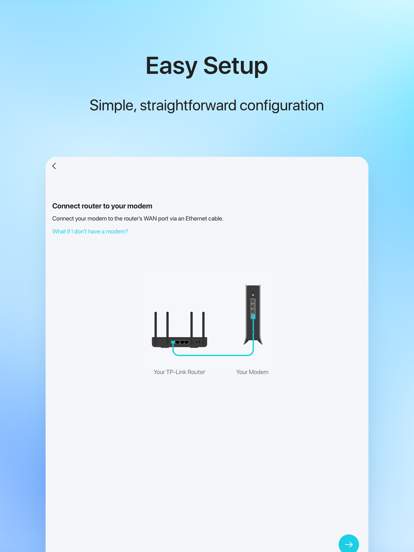
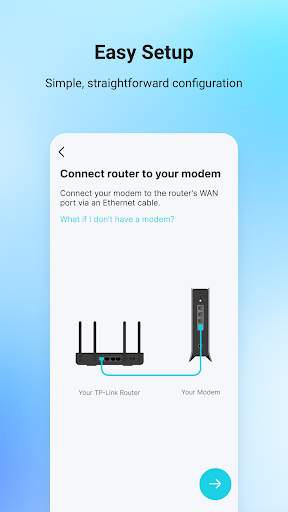
TP-Link Tether is a mobile application that allows users to easily manage and control their TP-Link networking devices from anywhere. With TP-Link Tether, users can set up their devices, monitor network activity, and customize settings with convenience and ease.
Advertisement
All link sources on this site are jumped to App Store, Google Play and other official platforms. No virus, no malware.
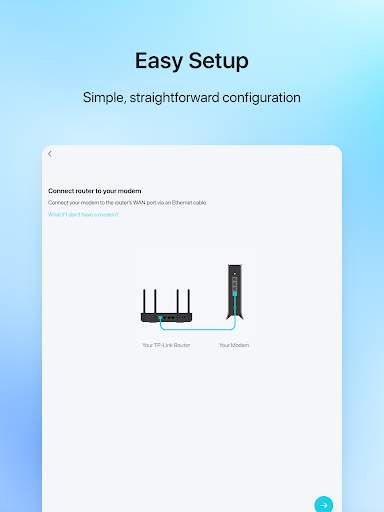
Select a versionTP-Link Tether is a powerful and user-friendly mobile application developed by TP-Link for managing and controlling your TP-Link routers and other network devices. With TP-Link Tether, users can easily set up, monitor, and manage their home network from anywhere using their smartphone or tablet.
One of the key features of TP-Link Tether is its simple and intuitive interface, making it easy for users to access and control their network settings. The app allows users to perform tasks such as setting up guest networks, managing device access, and monitoring internet usage with just a few taps on their mobile device.
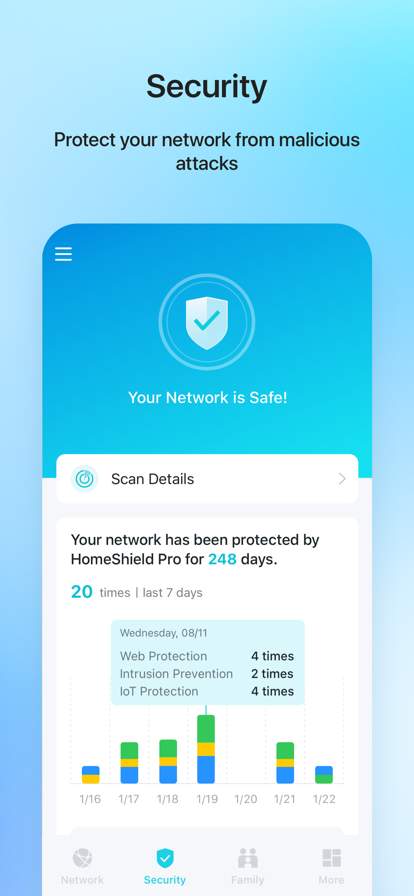
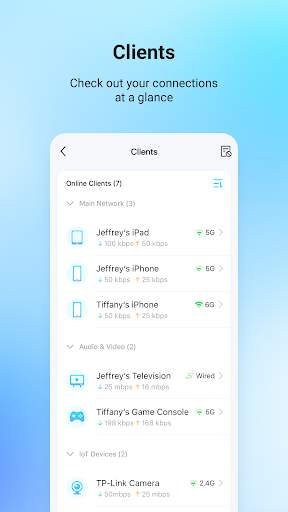
Through TP-Link Tether, users can also receive real-time notifications about their network, such as when a new device connects to the network or if there is a network issue that needs attention. This feature helps users stay informed and take prompt action to ensure their network is secure and running smoothly.
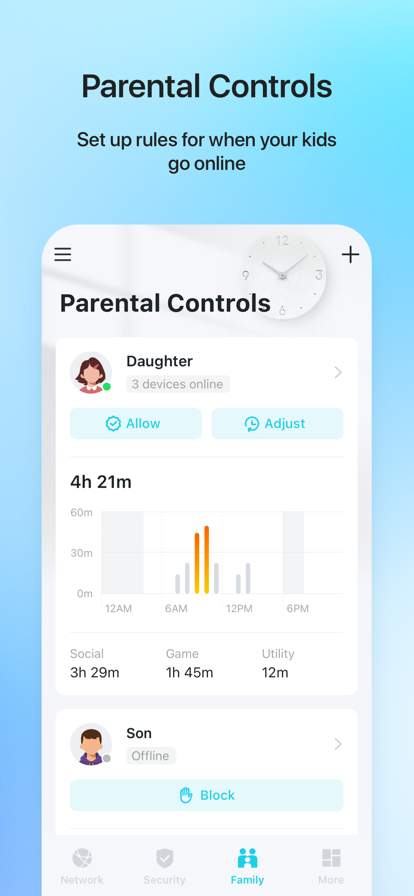
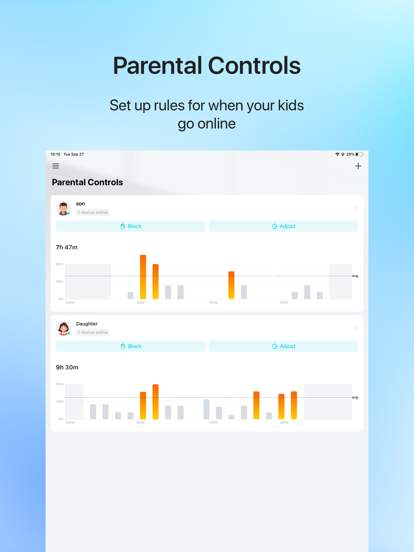
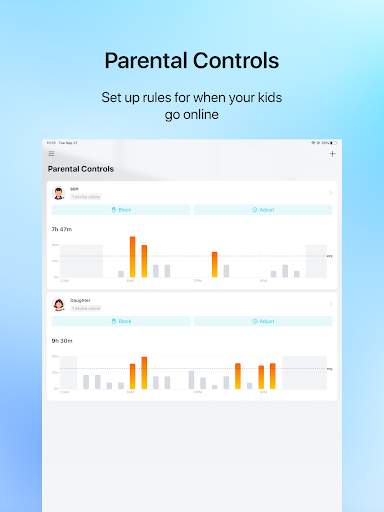
Another useful feature of TP-Link Tether is the ability to easily set up parental controls to manage and restrict internet access for specific devices or users. Parents can set up schedules, block specific websites, and monitor online activity to ensure a safe and controlled internet experience for their children.
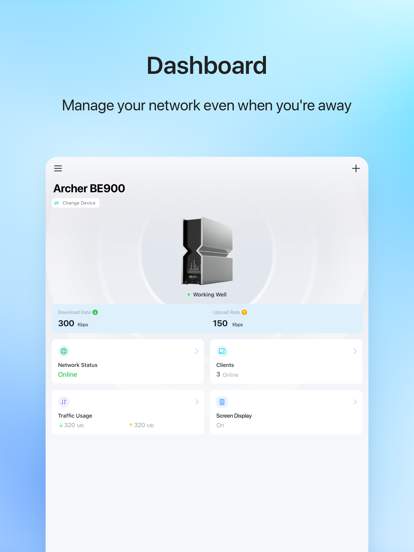
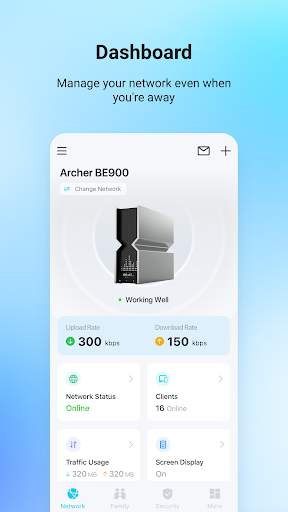
Furthermore, TP-Link Tether supports remote management, allowing users to access and control their network devices even when they are away from home. This feature is particularly useful for users who need to troubleshoot network issues or make adjustments to their network settings while on the go.
In addition to managing routers, TP-Link Tether also supports other TP-Link devices such as range extenders, access points, and smart home devices, providing a comprehensive solution for managing your entire TP-Link network ecosystem.
Overall, TP-Link Tether is a versatile and convenient app that empowers users to take control of their home network with ease. Whether you need to set up a new router, monitor internet usage, or manage parental controls, TP-Link Tether offers a range of features to meet your network management needs. Download TP-Link Tether today and experience the convenience of managing your TP-Link network devices from the palm of your hand.
Ensure your system meets the requirements for optimal performance.
Compatible with iOS and Android devices.
May vary based on device version; please check compatibility on app store.
Performance may vary based on system specs and network conditions.
Understand why the app requires certain permissions.
Requires access to network for device management and control purposes.
Necessary for effective communication between the app and TP-Link devices.
Stay informed about recent updates and improvements.
Version 1.2.0 includes bug fixes and improved device connectivity.
Enhanced user interface for easier navigation and device management.
A: TP-Link Tether is a mobile app that allows you to manage your TP-Link router settings from your smartphone or tablet.
A: You can download TP-Link Tether for free from the App Store or Google Play Store.
A: With TP-Link Tether, you can set up your router, manage your network settings, and monitor connected devices.
A: TP-Link Tether is compatible with most TP-Link routers, but you should check the app store listing for specific compatibility information.
A: Yes, TP-Link Tether allows you to control your TP-Link smart home devices as well as your router.





