
Advertisement
Efficiently manage your schedule and tasks
Sync with various calendars and task lists
Stay organized and productive on the go
Business Calendar 2 Planner is a powerful time management app for organizing your schedule and tasks efficiently. Stay on top of your business meetings, appointments, and events with this feature-rich calendar tool.
Advertisement
All link sources on this site are jumped to App Store, Google Play and other official platforms. No virus, no malware.
Select a versionBusiness Calendar 2 Planner is a comprehensive and versatile time management app designed to help professionals stay organized and efficient in their daily lives. Whether you are a busy executive, an entrepreneur, a freelancer, or a student, this app offers a wide range of features to meet your scheduling needs.
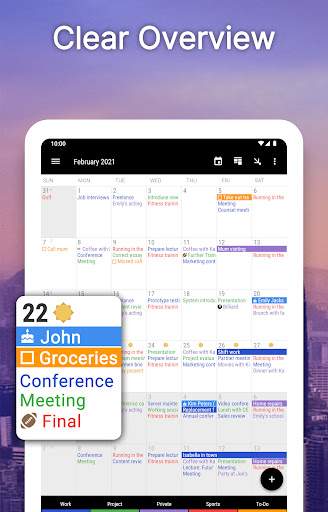
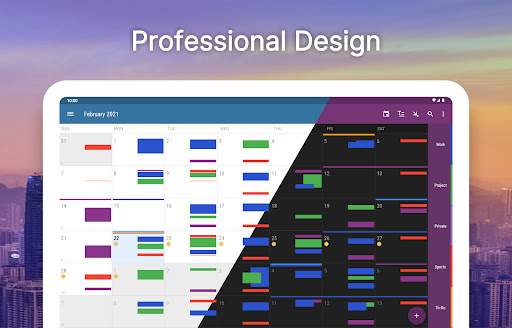
One of the key features of Business Calendar 2 Planner is its user-friendly interface, which makes it easy to navigate and customize according to your preferences. The app allows you to view your schedule in various formats, including daily, weekly, monthly, and agenda views, giving you a clear overview of your upcoming appointments and tasks.
With Business Calendar 2 Planner, you can create and manage multiple calendars for different aspects of your life, such as work, personal, and family schedules. This feature enables you to keep your various commitments separate while still having a comprehensive view of all your activities.
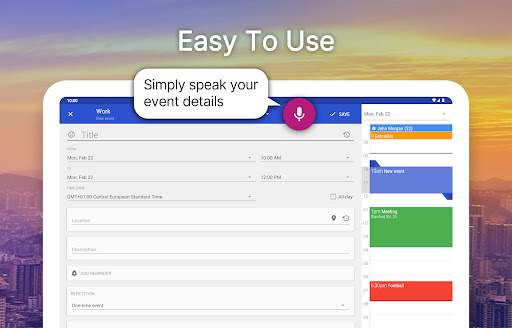
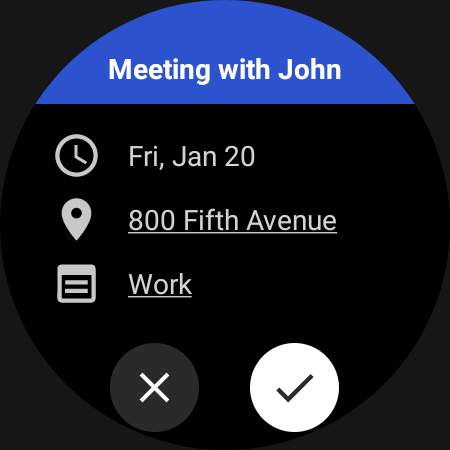
The app also offers powerful event management tools, allowing you to add details such as location, notes, participants, and reminders to your events. You can set recurring events, categorize them with color-coding, and even attach files or photos to provide additional information.
Business Calendar 2 Planner supports synchronization with popular calendar services like Google Calendar, Outlook, and Exchange, ensuring that your schedule is always up to date across all your devices. This feature is especially useful for users who need to access their calendars on multiple platforms.
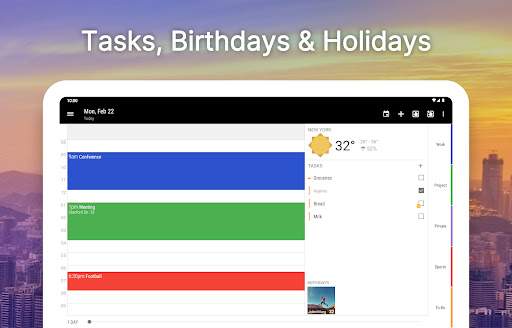
To enhance productivity, Business Calendar 2 Planner includes task management capabilities, allowing you to create to-do lists, set priorities, and track progress on your tasks. You can also set reminders and deadlines to ensure that you stay on top of your responsibilities.
Furthermore, the app offers customization options to tailor the interface and settings to suit your preferences. You can choose from different themes, widget styles, and layout options to personalize your calendar experience.
In terms of usability, Business Calendar 2 Planner provides seamless integration with other apps and services, making it easy to import and export data, share events with colleagues or family members, and collaborate on projects.
Overall, Business Calendar 2 Planner is a valuable tool for professionals seeking to streamline their time management and improve their productivity. With its intuitive interface, robust features, and seamless synchronization capabilities, this app is a reliable companion for organizing your busy schedule and staying on top of your commitments.
Business Calendar 2 Planner is compatible with both Android and iOS devices. For Android, the app requires a minimum operating system of Android 4.1. For iOS, the app requires a minimum operating system of iOS 9.0. Device and version uncertainty may affect app performance. Performance fluctuations may occur depending on the device's processing power and available memory.
Business Calendar 2 Planner requires access to your device's calendar, contacts, and notifications. These permissions are necessary for the app to sync with your existing calendar events, display event details from your contacts, and send you reminders and notifications for upcoming events.
Recent updates to Business Calendar 2 Planner include improved stability and performance enhancements. The app now supports dark mode for easier readability in low-light environments. Bug fixes have also been implemented to address user-reported issues and ensure a smoother user experience.
A: To create events, simply tap on the '+' button in the calendar view and fill in the necessary details.
A: Yes, you can set reminders by tapping on an event and selecting the 'Reminders' option.
A: Yes, Business Calendar 2 Planner allows you to sync with other calendars like Google Calendar and Outlook.
A: You can customize the appearance by going to the settings menu and adjusting the themes, colors, and layout options.
A: Yes, Business Calendar 2 Planner supports recurring events such as daily, weekly, monthly, and yearly occurrences.