

Advertisement
Unleash your creativity with easy-to-use animation tools
Bring your drawings to life with frame-by-frame animation
Express yourself through vibrant 2D animations
FlipaClip is a versatile app that allows users to easily create 2D animations with intuitive tools and features. Let your creativity flow and bring your drawings to life with FlipaClip!
Advertisement
All link sources on this site are jumped to App Store, Google Play and other official platforms. No virus, no malware.
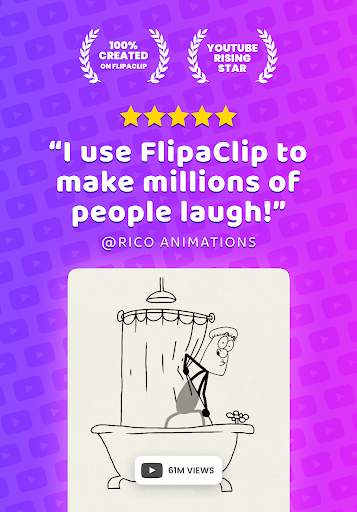
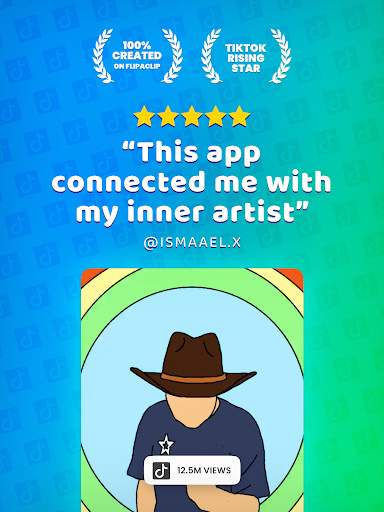
Select a versionFlipaClip is a powerful mobile application that allows users to unleash their creativity by creating 2D animations right on their smartphones or tablets. Whether you are a professional animator, a hobbyist, or someone looking to explore the world of animation, FlipaClip provides an intuitive platform for you to bring your ideas to life.
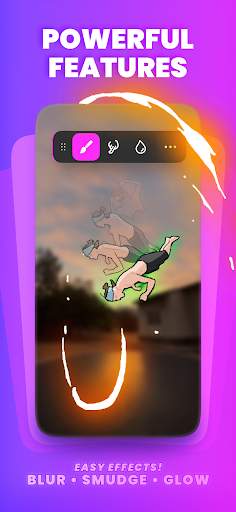
One of the key features of FlipaClip is its user-friendly interface, which makes it easy for users of all skill levels to jump right into creating animations. With a variety of tools and brushes at your disposal, you can sketch, draw, and animate with precision. The app also offers layer support, allowing you to work on different elements of your animation separately and then combine them seamlessly for a polished final product.
FlipaClip's animation timeline provides a visual representation of your project, making it simple to adjust timing, add frames, and create smooth transitions between scenes. You can also easily loop animations, duplicate frames, and use the onion skinning feature to see multiple frames at once, helping you maintain consistency in your animations.
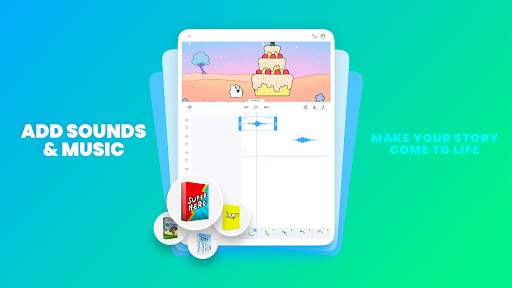
In addition to drawing tools, FlipaClip offers a range of features to enhance your animations, such as the ability to add audio tracks, import images, and create custom backgrounds. You can also choose from a selection of pre-installed sound effects to bring your animations to life with realistic audio.
Sharing your creations with the world is easy with FlipaClip's built-in sharing options. You can export your animations in various formats, including GIF, MP4, and PNG sequences, and then share them on social media platforms, send them to friends, or showcase them on your online portfolio.
Whether you want to create short animations for social media, develop a storyboard for a project, or simply have fun exploring the art of animation, FlipaClip provides a versatile and accessible platform for all your 2D animation needs. The app is constantly updated with new features and improvements, ensuring that you always have the tools you need to bring your ideas to life.
Overall, FlipaClip is a must-have tool for anyone interested in animation, offering a seamless and enjoyable experience for creating 2D animations on the go. Download FlipaClip today and start animating your imagination!
FlipaClip is compatible with both iOS and Android devices. For iOS, the app requires a device running iOS 11.0 or later. For Android, the app requires a device running Android 4.4 and up. Please note that device compatibility may vary, and performance may fluctuate depending on the device's specifications.
FlipaClip requires access to your device's camera, microphone, and storage in order to create and save animations. These permissions are necessary for the app to function properly and enable you to make the most of its features.
Recent updates to FlipaClip include improved drawing tools, enhanced frame-by-frame animation capabilities, and bug fixes for a smoother user experience. Make sure to update the app regularly to access the latest features and improvements.
A: Yes, FlipaClip is specifically designed for creating 2D animations.
A: Yes, many users use FlipaClip to create cartoon-style animations.
A: Yes, FlipaClip allows users to create animations frame-by-frame.
A: Yes, FlipaClip supports importing images and videos as part of the animation creation process.
A: Yes, FlipaClip comes with a variety of drawing tools to help users create animations.





