Advertisement
Stay organized with your daily tasks
Get instant answers to your questions
Simplify your smart home control.
Google Assistant is a virtual assistant developed by Google, designed to help users with various tasks through voice commands. From setting reminders to answering questions, Google Assistant is your personalized digital assistant on-the-go.
Advertisement
All link sources on this site are jumped to App Store, Google Play and other official platforms. No virus, no malware.
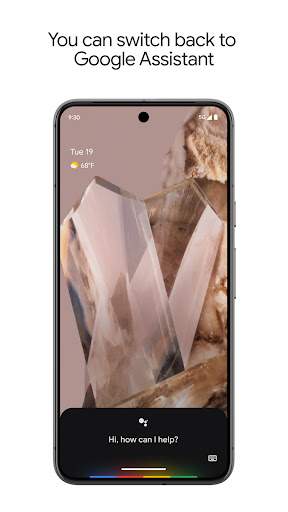
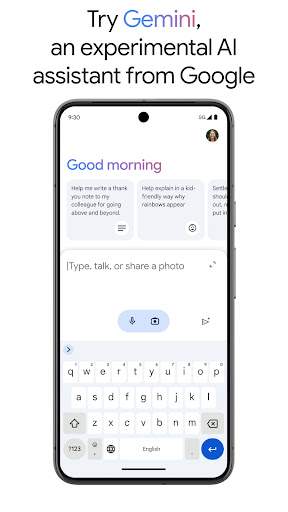
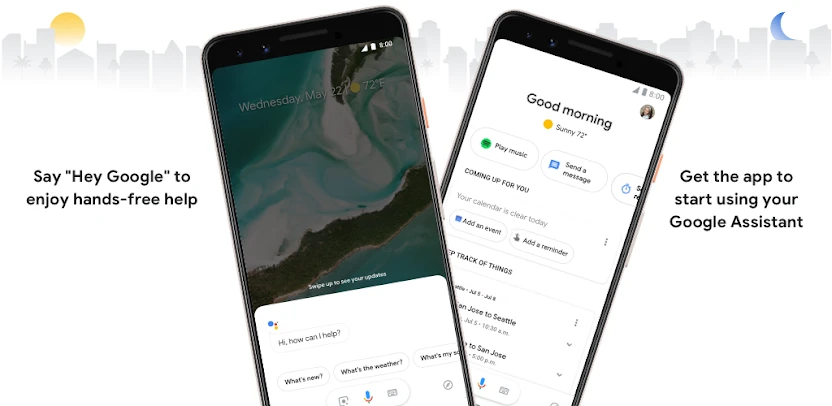
Select a versionGoogle Assistant is an artificial intelligence-powered virtual assistant developed by Google. It is designed to help users with various tasks, provide information, and assist with everyday activities through voice commands and text input. Google Assistant is available on a wide range of devices, including smartphones, smart speakers, smart displays, and other smart home devices.
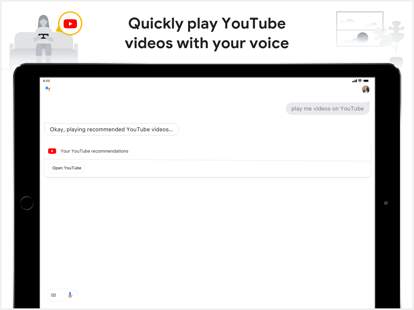
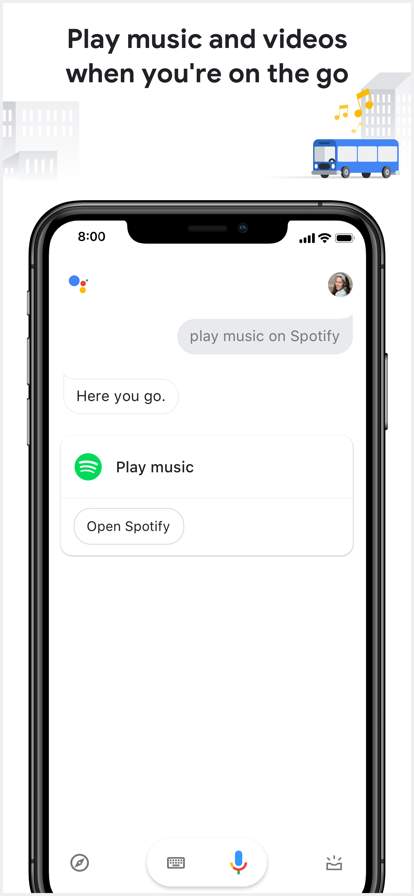
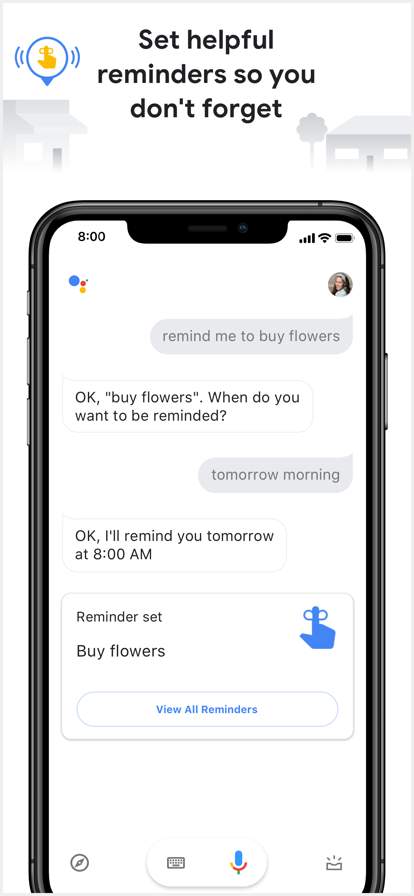
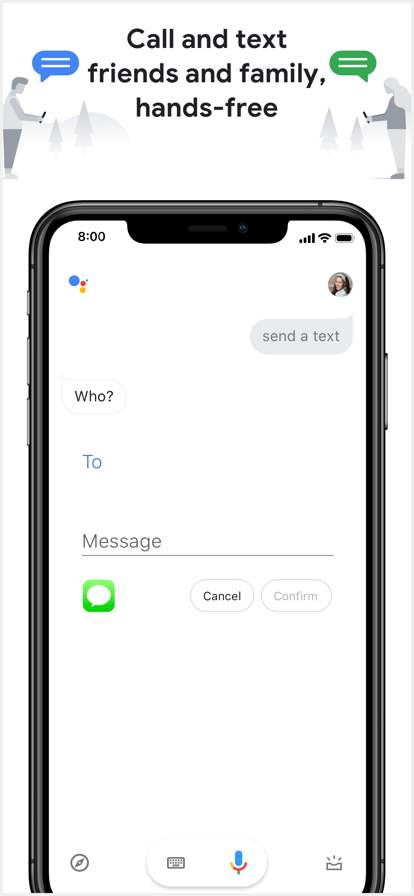
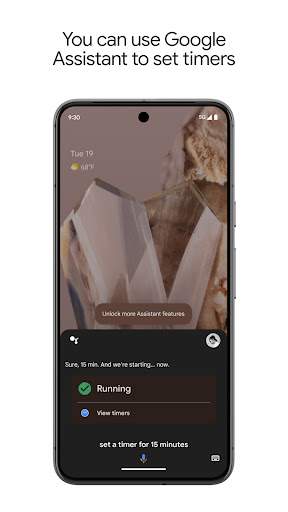
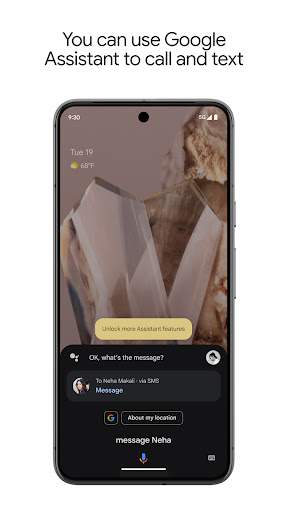
With Google Assistant, users can perform a wide range of tasks, such as setting reminders, sending messages, making phone calls, playing music, setting alarms, checking the weather, and much more. The Assistant uses natural language processing to understand and respond to user queries in a conversational manner, making interactions feel more intuitive and human-like.
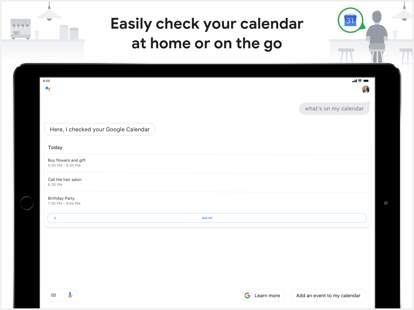
One of the key features of Google Assistant is its ability to integrate with other Google services and third-party apps, allowing users to access a wide range of information and services seamlessly. For example, users can ask Google Assistant to check their calendar, send emails, get directions, make reservations, and even control smart home devices like lights, thermostats, and cameras.
Google Assistant also offers personalized recommendations and suggestions based on user preferences and usage patterns. It can help users discover new content, find nearby restaurants, learn about upcoming events, and much more. The Assistant can also provide real-time information such as traffic updates, flight status, and sports scores to keep users informed and up-to-date.
In addition to its practical features, Google Assistant also has a playful side with jokes, trivia, and games to entertain users. It can also engage in conversations, tell stories, and provide information on a wide range of topics to keep users engaged and entertained.
Privacy and security are paramount with Google Assistant, and users have control over their data and privacy settings. Google takes measures to ensure that user interactions with the Assistant are secure and that personal information is protected.
Google Assistant continues to evolve and improve with regular updates and new features being added to enhance the user experience. As one of the leading virtual assistants on the market, Google Assistant is constantly expanding its capabilities and integrations to provide users with a seamless and intelligent assistant that can help simplify their daily lives.
Overall, Google Assistant is a powerful and versatile virtual assistant that offers a wide range of features and capabilities to help users stay organized, informed, and entertained. Whether you're at home, on the go, or anywhere in between, Google Assistant is there to help make your life easier and more efficient.
Google Assistant is compatible with a variety of platforms, but certain limitations may apply.
Google Assistant works on both Android and iOS devices.
Some features may not be available on all devices or versions of the operating system.
Performance may vary depending on your device's specifications and internet connection.
Google Assistant requires certain permissions to function properly and provide you with the best possible experience.
Google Assistant may request access to your microphone, camera, and location to perform tasks like making calls, sending messages, and providing location-based information.
These permissions are necessary for Google Assistant to understand and carry out your commands effectively.
Google Assistant regularly receives updates to improve performance and add new features.
Recent updates include improved voice recognition accuracy, enhanced translation capabilities, and expanded integration with third-party apps and services.
To ensure you have the latest version of Google Assistant, go to the app store on your device and check for any available updates.
A: You can use Google Assistant by simply activating it through voice commands on your device.
A: Google Assistant can help you with a variety of tasks such as setting reminders, sending messages, and providing weather updates.
A: Google Assistant is available on a wide range of devices including smartphones, smart speakers, and smart displays.
A: Yes, you can choose from various voices and accents for Google Assistant to personalize your experience.
A: Google Assistant only stores your information to improve its services and it follows strict privacy guidelines to protect your data.